
The candy-themed slot from Pragmatic Play offers two mobile routes through supporting casinos. Use an operator’s native casino app or launch the game directly in a supported mobile browser. Availability depends on the casino and its regional offering, so check the operator’s mobile page before downloading.
On iOS, follow the casino’s official App Store link when an app is offered. On Android, use its official store listing or an APK supplied directly by the operator.
For a Sweet Bonanza apk download for android, start on the casino’s official website. Download its installation file, allow installation from that source when prompted, install the app, then switch that permission off again.
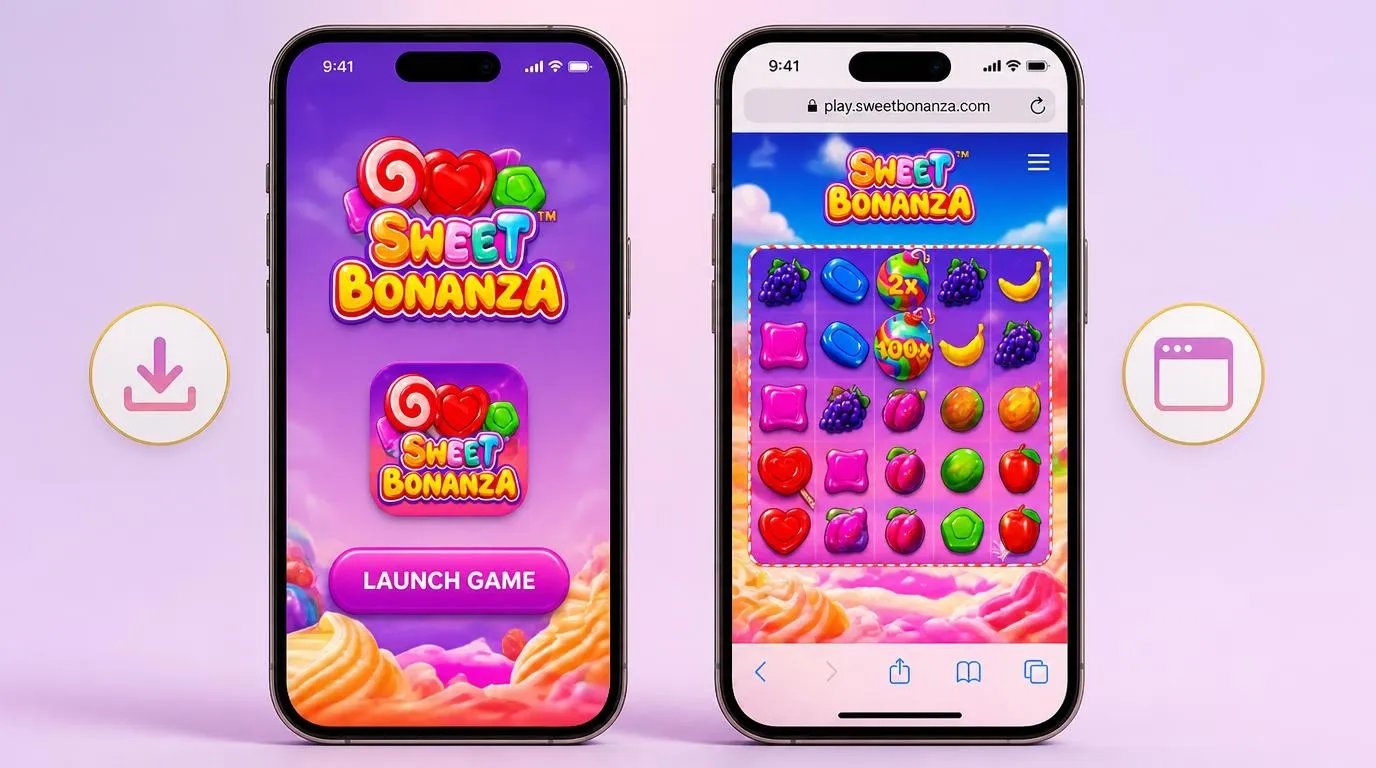
Choose the operator-supported app or browser route that suits your device.
The best Sweet Bonanza app matches your device, receives operator updates, and provides clear account controls. Check its listed operating-system and storage requirements before installation.
Prefer fewer downloads? Mobile browser play avoids installing a casino app while keeping access through the operator’s website. Use sweetbonanzai.com to choose a reputable mobile-friendly casino.
Bring Sweet Bonanza to your Android device through a verified casino selected via sweetbonanzai.com. The casino app provides access to the game, so start with the operator rather than looking for a separate game installer. Choose a platform that supports Android access and accepts players in your location. Check its published device requirements before downloading, including the supported Android version and storage needed. Keep the operator’s official instructions open as you move through the four stages below.
A sweetbonanza download should begin from the selected casino’s official app page. If you search for app Android sweetbonanza, match the result to that operator before opening any installation link. An APK is an Android installation file, not a separate edition of Sweet Bonanza. Use a store listing when the operator directs you there. For a direct APK, allow installation from your browser only when the operator’s legitimate instructions require it, then switch that permission off afterward.
Before depositing, complete any account checks requested by the operator through its official interface. Review any offer terms before accepting a deposit promotion, particularly wagering requirements and withdrawal conditions. Once Sweet Bonanza opens, check that the game controls fit comfortably on your screen before placing a bet. Set a spending limit in the casino account tools and keep that limit separate from essential expenses. For later visits, open the installed casino app directly and obtain updates through the operator’s approved download route.
Explore Android CasinosStart at sweetbonanzai.com and follow its link to an authorized operator serving your location. Open the destination in Safari on your iPhone or iPad. Check the address before entering personal or payment details. Create an account, confirm your email, and complete the operator’s required identity checks. Use a unique password and enable additional account protection where offered. Keep these steps on the operator’s official pages.
For an app installation, use an App Store link supplied by the operator. This route applies when the operator offers an iOS app. Check that the listing matches the operator before tapping Get. Follow Apple’s installation prompts, then open the app and sign in. An App Store installation places the operator’s app on your device. Safari provides the browser alternative without requiring an App Store download.
To create a Safari shortcut, open the operator’s site and sign in. Tap Share, choose Add to Home Screen, and confirm Add. The new icon opens the site directly from your home screen. It remains a browser access route and requires an internet connection. Sweet Bonanza.apk is an Android installation package, not an iOS app. The search phrase Sweet Bonanza apk download latest version describes an Android route, so use Safari or the operator’s iOS app instead.
Before depositing, choose a small entertainment budget that you can comfortably spend. Use the operator’s minimum deposit only when it fits that budget. Check payment fees and minimum amounts before confirming the transaction. Set a deposit limit to keep the first session within your chosen amount. Start with the lowest available stake to explore the controls. Review any bonus conditions before accepting an offer, including wagering requirements and withdrawal restrictions.
Open the game lobby and select the slot to load it. Let the opening screen finish before adjusting sound or stake settings. Check that symbols animate cleanly and controls respond promptly. On iPad, rotate the screen to compare the available viewing layouts. Use a stable connection and close unnecessary background apps if playback stutters. Confirm your selected stake before starting, and finish when your session budget is reached.
Open the GamePragmatic Play titles like Sweet Bonanza are built for light mobile clients, keeping the focus on accessible play rather than premium hardware. Start with an updated operating system. A current browser, available device memory, and a dependable connection provide a practical foundation for mobile access. Keep background activity under control before opening the game. Browser access also avoids installing a separate game package, making it a straightforward option when managing phone storage. The comparison below groups operating system and access guidance, memory and storage preparation, and network needs into three practical checks.
Prepare your device before opening Sweet Bonanza through the operator’s official site. On Android, keep Chrome and the operating system updated for browser access. For sweetbonanza apk download latest version searches, go directly to the operator’s official download page rather than a third-party file directory. Review the package permissions before installation, and disable permission to install unknown apps afterward. For sweetbonanza app iOS searches, follow the operator’s official iPhone instructions and use Safari for browser access. Check the listed compatibility requirements before installing any operator app, since those requirements apply to the complete client.
| Component | Android note | iOS note |
|---|---|---|
| OS and browser/app path | Keep Android and Chrome updated. Follow the operator’s official instructions for APK installation. | Keep iOS and Safari updated. Follow the operator’s official instructions for iPhone app access. |
| RAM and storage | Close unused apps to release memory. Allow storage for app installation and updates. | Close unused apps to release memory. Allow storage for app installation and updates. |
| Network | Use stable Wi-Fi or mobile data. Avoid switching networks during an active session. | Use stable Wi-Fi or mobile data. Avoid switching networks during an active session. |
A stable connection matters more than chasing peak hardware for Sweet Bonanza. Prioritize reliable reception over a headline speed figure. Pause large downloads and cloud backups when they compete with the game for bandwidth. Stay on one dependable network instead of moving repeatedly between Wi-Fi and mobile data. Keep enough battery charge for your session, and remember that mobile data usage counts toward your plan. These simple preparations keep attention on the game’s colorful presentation and mobile entertainment rather than preventable device interruptions.
Candy colours, fruit symbols, and a fantasy setting give this slot its character. On mobile, that presentation works best when the screen feels organised rather than compressed. The adaptive layout, touch-friendly Round History control, and unobtrusive secondary panels keep attention on the game while making supporting information easy to reach.
The adaptive layout gives the candy-and-fruit artwork room to communicate on a compact display. Instead of treating every decorative element as equally important, the mobile presentation establishes a clear visual hierarchy. The active game area takes priority, while surrounding information supports the action without competing with it.
That hierarchy matters during a quick glance as much as a longer session. Distinctive shapes help separate individual symbols, while the fantasy backdrop supplies atmosphere around them. The result preserves the game’s playful identity without making players search through decoration to understand what is happening on screen.
A useful first step is to look at the whole display before interacting. Notice where the game area ends and supporting controls begin. This makes the compact arrangement easier to follow and lets the visual theme remain part of the experience, rather than an obstacle between the player and the interface.
Round History is the touch-optimised control to know. It gives players a focused way to review previous rounds without keeping a detailed information panel permanently visible. On a phone, that separation is valuable. Reviewing an earlier result becomes a deliberate interaction instead of another layer competing for limited screen space.
The interaction follows a straightforward sequence. Open Round History when you want to review earlier activity, read the relevant entry, then close the panel to return attention to the game. Taking those steps separately keeps navigation purposeful and avoids trying to interpret historical information alongside the current screen.
Touch optimisation supports this focused approach by making the history control practical to use with a fingertip. There is no need to treat the mobile display like a miniature desktop workspace. Open the information you need for a specific check, then put it away when that check is complete.
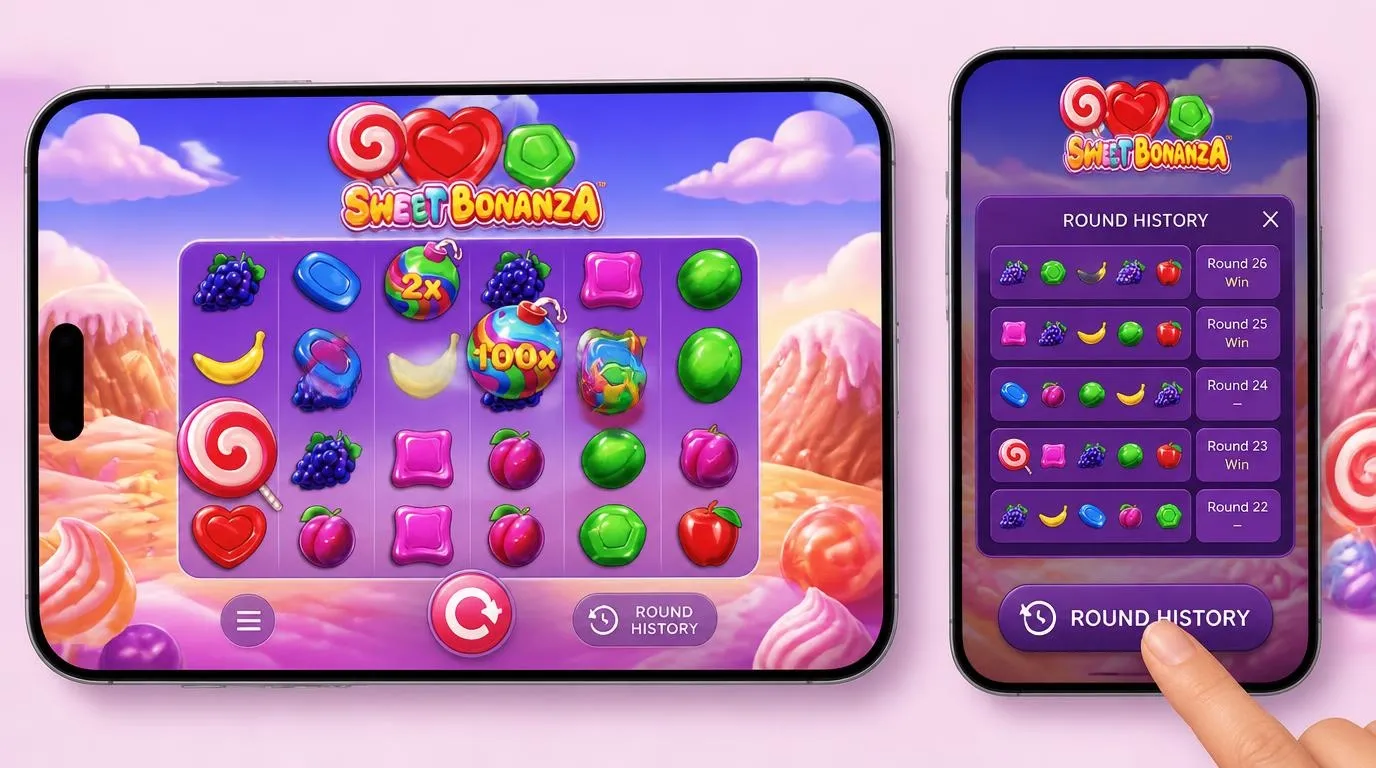
Keep the candy world in focus and open supporting information only when needed.
Secondary panels stay out of the way during play. This keeps the candy palette and fruit artwork prominent while preserving a clear distinction between the game and its supporting interface. Information remains useful because it appears when requested, rather than occupying space throughout the session.
Keep that same focus when exploring access options on the site. If you search for download Sweet Bonanza slot, start with the platform’s own guidance. Treat sweetbonanza slot download play store as a search phrase, not a substitute for reading the installation details attached to a listing.
Together, these three mobile advantages give the presentation a strong sense of order. The layout protects the theme, Round History supports intentional review, and secondary panels leave the main display uncluttered. Explore the mobile experience with those priorities in mind and enjoy the colourful world without unnecessary interface distractions.
Most mobile play issues have straightforward fixes. Start with the steps that match the problem, whether you use an installed app or play through your phone’s browser.
Update your phone’s operating system and browser, then clear the app or browser cache. If the app still refuses to open, reinstall from a trusted casino on sweetbonanzai.com. Use that trusted source for a Sweet Bonanza slot download apk installation. For iOS app Sweet Bonanza slot access, follow the casino’s installation instructions.
Reconnect to a stable internet connection and reopen the game. Check round history in your casino account to review the interrupted round before continuing.
Rotate the screen and refresh the game. Close unused background apps to free RAM, then check whether the picture and sound return to normal.
Still stuck? Contact the casino’s support desk with your device model, operating system, browser or app version, and a description of the issue.
Comments